


Download ENTiTi – AR/VR player, virtual reality viewer, augmented reality tool, presentation software, creator tool, free AR/VR app, VR content player, desktop AR/VR software
Overview
ENTiTi is a free desktop application designed to serve as a viewer and playback tool for augmented reality (AR) and virtual reality (VR) content. It enables users to experience immersive digital environments without requiring coding expertise or high-end hardware. The software functions primarily as a media player and presentation tool, blending the capabilities of a slideshow application with AR/VR content display. This makes it suitable for educational settings, professional presentations, and personal exploration of virtual experiences.
Target users include educators, students, developers, and creators interested in AR/VR technology. While ENTiTi itself does not offer content creation features, it integrates with the ENTiTi Creator tool, allowing users to design and test their own VR experiences. The app supports content created on both Mac and PC platforms, making it accessible across major operating systems. Real-world use cases range from classroom demonstrations and interactive storytelling to developer testing and public exhibitions.
The developer, ENTiTi, has positioned the software as a gateway to AR/VR for non-technical users. The interface is intentionally minimal, focusing on seamless playback rather than complex customization. This design philosophy ensures that users can launch and view AR/VR content quickly, emphasizing functionality over configuration. The app is available for Windows and Mac, and its 150 MB file size suggests a lightweight installation suitable for most modern desktops.
Key Features & Capabilities
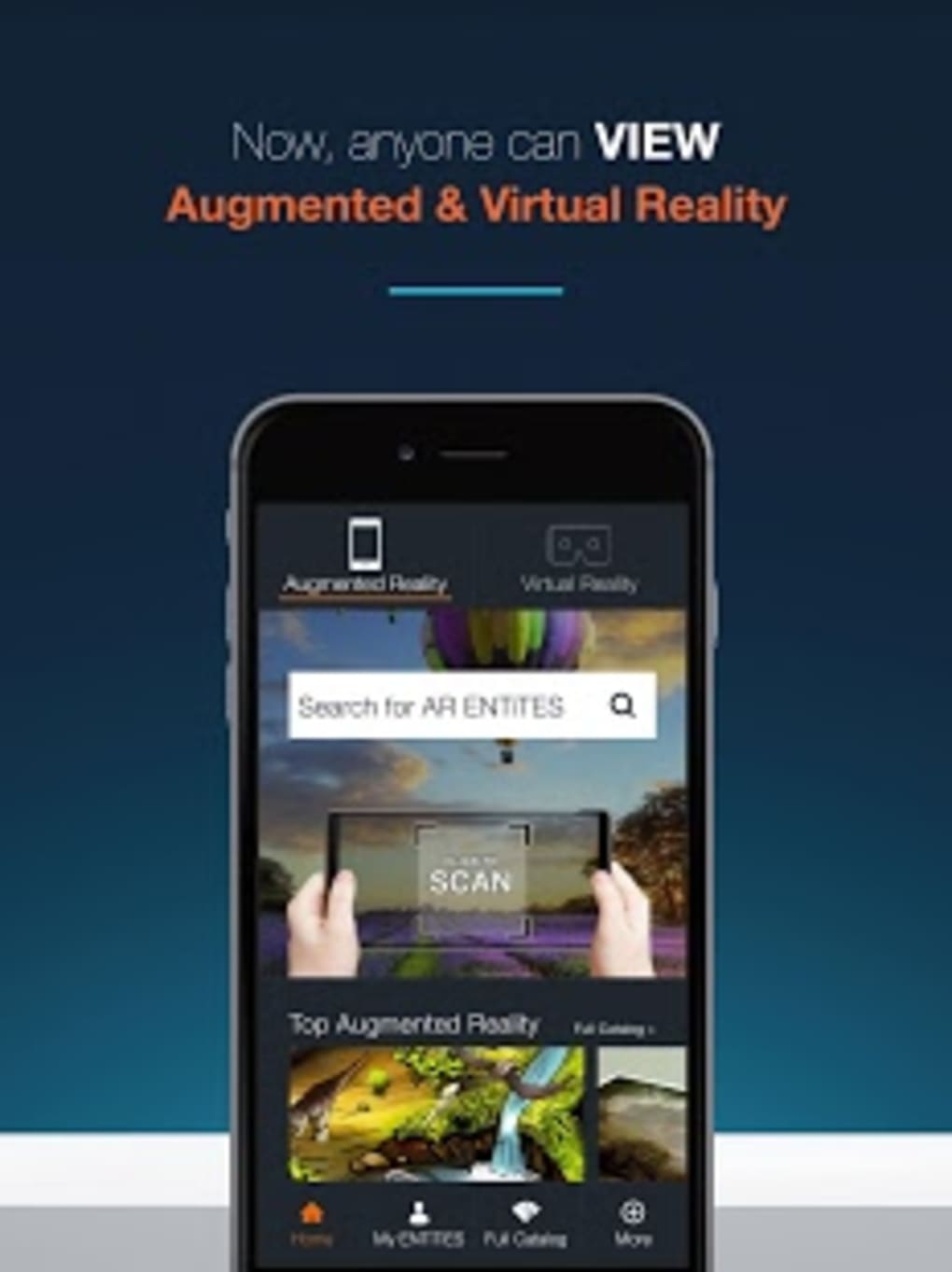
- AR/VR Content Playback – The core function of ENTiTi is to display and play AR and VR content created using the companion ENTiTi Creator tool. It supports immersive experiences such as 360° environments, interactive models, and spatial animations.
- Simple Presentation Mode – The app includes a slide-like playback system, allowing users to navigate through a sequence of AR/VR scenes, similar to a PowerPoint presentation. This feature is ideal for structured demonstrations and educational content delivery.
- Creator Integration – While not a creator tool itself, ENTiTi is designed to work seamlessly with the ENTiTi Creator software. Users can build experiences on Mac or PC and preview them directly in the viewer app.
- Multi-Platform Compatibility – Supports content created on both Windows and Mac, enabling cross-platform collaboration and consistent playback across devices.
- Low-Barrier Access to Immersive Tech – The app removes technical complexity, allowing users to explore AR/VR without prior programming knowledge or expensive equipment.
These capabilities make ENTiTi particularly effective in environments where accessibility and ease of use are prioritized. Educators can use it to present 3D anatomy models or historical reconstructions. Developers can test their VR prototypes in real-time. Students can explore virtual labs or interactive textbooks. The app’s focus on playback ensures reliable performance, with minimal setup required for each session.
User Interface, Workflow & Performance
ENTiTi features a minimalistic user interface with a focus on content visibility and intuitive navigation. The layout prioritizes the AR/VR display area, with navigation controls placed discreetly at the edges or within a collapsible toolbar. Users can advance through scenes using keyboard shortcuts or a simple on-screen menu, mimicking the flow of a presentation.
Workflow efficiency is optimized for quick access to content. Once a project file is loaded, the app begins playback immediately, with no lengthy initialization processes. The lack of extensive customization options reduces cognitive load, allowing users to focus solely on the experience. However, the developer did not specify resource usage details, so CPU and RAM behavior remain unknown.
Performance observations are based on general software behavior patterns. Given the app’s lightweight size and focus on playback, it is expected to operate smoothly on mid-range systems. Stability during extended sessions was not publicly documented, but the minimal design suggests a low risk of crashes or glitches. The app does not appear to require constant internet connectivity, supporting offline usage for presentations and demonstrations.
Compatibility & System Requirements
ENTiTi is compatible with both Windows and Mac operating systems, as specified in the release information. The software is available in version 1.0.0 and has a file size of 150 MB, indicating a compact installation footprint. This size suggests the app is optimized for fast downloads and minimal disk usage.
Exact system requirements were not listed. The developer did not provide additional system requirements beyond the supported platforms. Hardware specifications such as GPU, RAM, or processor type were not disclosed. As a result, users should rely on general system compatibility and ensure their device meets the baseline standards for running modern desktop applications.
Installation is straightforward, with no reported dependency issues. The app is designed for use on PCs, laptops, and tablets, though the exact tablet compatibility was not specified. Users should verify that their device supports the necessary display and input methods for AR/VR interaction.
Pros and Cons
Pros
- Free to download and use with no hidden costs
- Simple, intuitive interface ideal for non-technical users
- Seamless integration with ENTiTi Creator for content testing
- Supports both Windows and Mac platforms
- Lightweight installation (150 MB) for fast setup
- Designed for presentations, education, and creative exploration
Cons
- No built-in content creation tools – users must rely on a separate creator app
- Exact system requirements were not provided
- Limited customization options may restrict advanced users
- Performance data and resource usage were not disclosed
- Offline usage is assumed but not explicitly confirmed
FAQ Section
Is ENTiTi available for both Windows and Mac?
Yes, ENTiTi is compatible with both Windows and Mac operating systems, as confirmed by the developer.
Is the app free to download and use?
Yes, ENTiTi is offered as a free desktop application with no subscription or in-app purchase requirements.
Can I create AR/VR content directly in ENTiTi?
No, ENTiTi is a viewer and playback tool only. To create content, users must use the ENTiTi Creator software, which is available for Mac and PC.
Do I need an internet connection to use ENTiTi?
The app does not require constant internet access for playback. It is designed to support offline use, though initial setup or updates may require connectivity.
How often are updates released for ENTiTi?
Update frequency was not specified. Users should check the official website for the latest version and release notes.
Final Thoughts + CTA
ENTiTi delivers a focused and accessible entry point into the world of AR and VR. By acting as a reliable playback engine for immersive content, it empowers educators, creators, and students to explore virtual experiences without technical barriers. Its minimalist design, cross-platform support, and integration with the ENTiTi Creator make it a compelling choice for those new to AR/VR or seeking a streamlined presentation tool.
While it lacks built-in creation features and detailed system specifications, the app’s strengths lie in its simplicity, affordability, and purpose-driven functionality. For users who value ease of use and seamless playback, ENTiTi is a solid addition to any digital toolkit.
Download ENTiTi now and experience the future of immersive media with a simple, free desktop application.





.png)

